
Start with a session budget
Choose an amount to spend on entertainment and a comfortable duration. These two figures let you decide when to start, pause and finish. The bet you select in the client determines each interaction’s cost; combining the figures gives you a plan for your actions.
Use abstract units to practise the calculation. With a budget of twenty units and a bet of half a unit, the initial reference is forty interactions, before counting prizes. If you prefer one unit per action, the reference becomes twenty. Apply the same division to the amount actually displayed in your client.
The calculation organises spending; the prize sequence belongs to the game. RTP and multipliers explains the theoretical percentage and how to read results separately. Each tool then keeps its own function within the session.
Pacing helps you follow the screen
Each tap or swipe counts as a bet. A measured pace lets you look at the object you chose, the result that appears when it opens and the bet that was selected. Then decide on your next action with those details in view.
When you make several gestures in succession, interactions accumulate more quickly. To organise your play, group a few actions together and then look at the history. You can also pause immediately after a result and read the paytable again before continuing.
The game shows combos and animations alongside the action. They are part of its visual presentation. Practice helps you recognise them and stay focused on what you use for your plan: amount per action, session time and chosen breaks.
Distinguish decisions from results
Selecting the bet is a player decision. So are the timing of an action and the choice to finish. The result a symbol reveals belongs to the random game. Keeping that separation lets you describe a session strategy through concrete actions.
A time of day, a visible streak or a striking gesture are session observations. For the calculation, what counts is the game’s model and your bet. Use the leaderboard to view positions and the history to revisit prizes; each element has its own information-reading task.
| Your decision | Practical tool | Purpose |
|---|---|---|
| Bet amount | Client’s bet control | Set the cost per action |
| Pace of gestures | One action followed by reading it | Follow each interaction |
| Duration | Start time and chosen break | Organise the time spent |
| End of session | Budget and stopping point | Complete the entertainment plan |
Use the demo to practise the plan
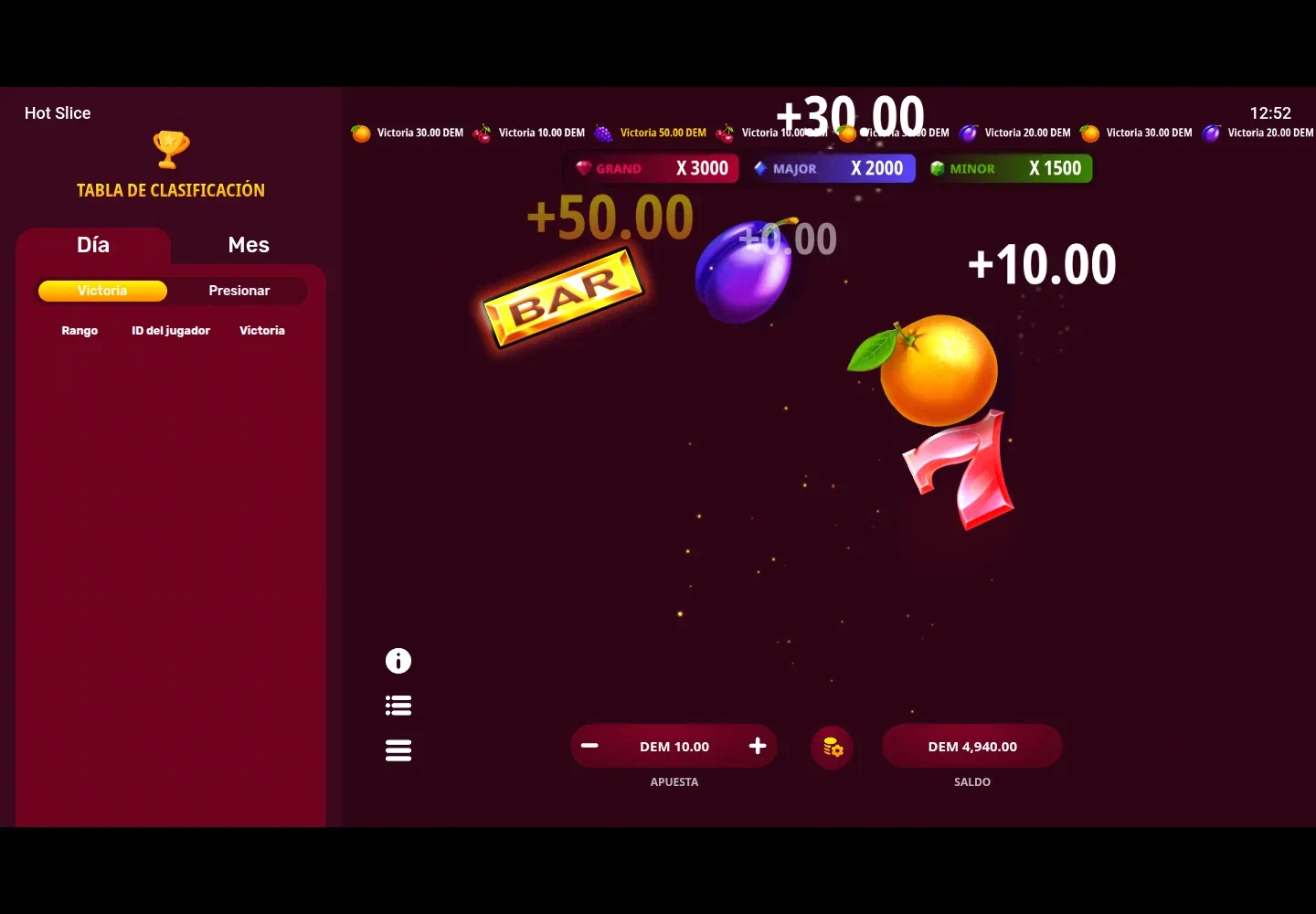
The Hot Slice demo uses DEM credits. Explore the controls, practise an interaction and see how you read the results. A useful rehearsal is to choose a bet, perform a short sequence and read the information before starting another.
Practice focuses on the mechanics and screen layout. Access with an account balance has its own environment and conditions. For the order of the controls, the step-by-step guide separates selection, action and reading the result.
Prepare a simple finish
Decide in advance what you will do when you reach your chosen time or budget. A break lets you turn your attention away from the animation and back to your session plan. Close the client after looking at the last information you need.
Play at your own pace brings together limit and planning tools. In the operator account, find its responsible-play options and help channels too. Keep those tools accessible as a regular part of your session.