
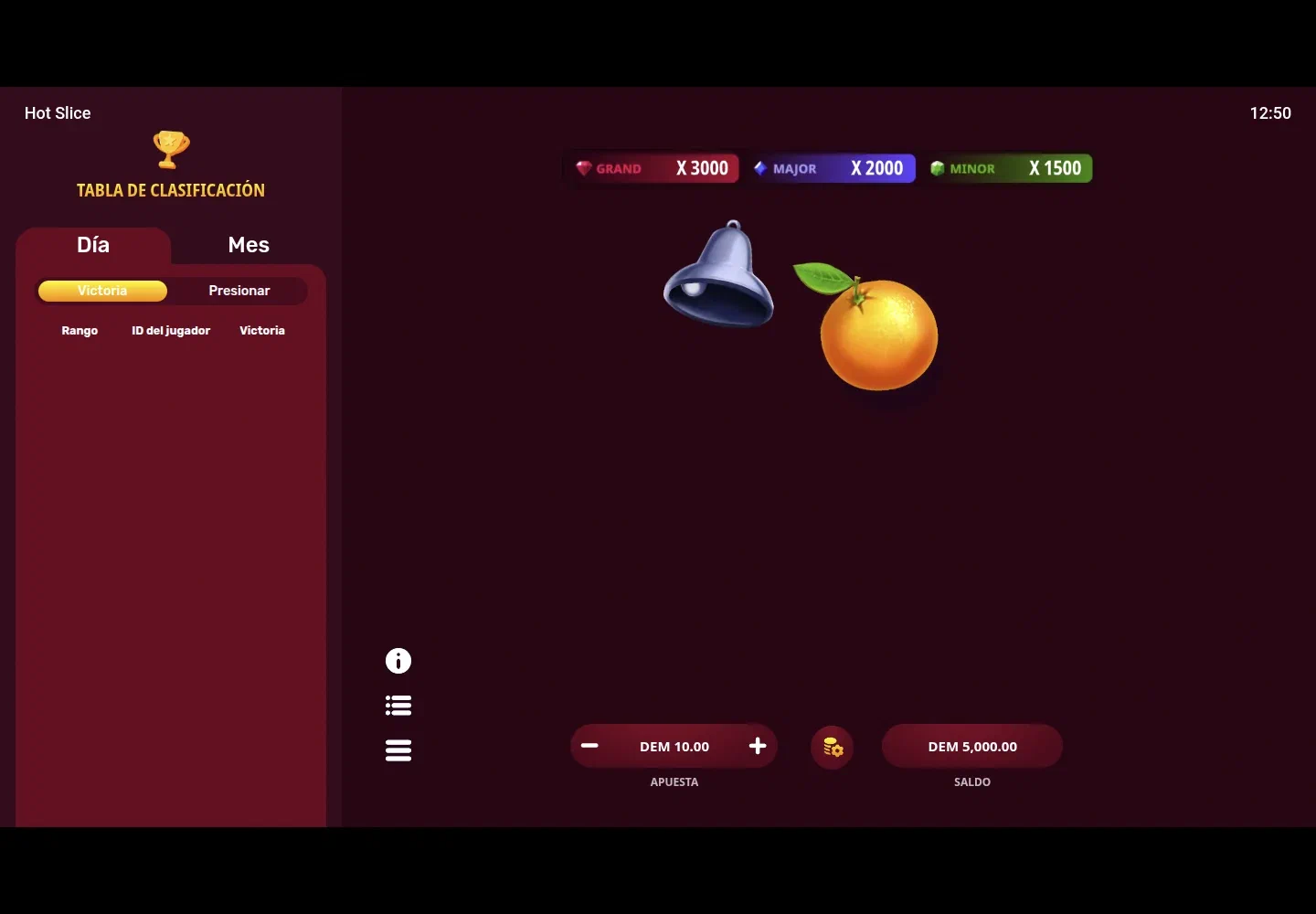
Identify Hot Slice by Evoplay
The game name and provider are the first two things to check. Look for Hot Slice and check that the listing belongs to Evoplay. When you open the client, you will recognise the fruit and symbols that you slice with a tap or swipe.
That identity is especially useful when a search shows products with similar names. The game listing should match the experience described here: slicing controls, a golden symbol, quick history and the Minor, Major and Grand jackpot categories. The home page brings those identifying details together.
Betmaster’s Mexican catalogue includes a listing for Hot Slice by Evoplay. That operator’s account and access have their own conditions. Check the operator name and game listing when choosing where to open your account.
Separate the game from the account
Hot Slice determines the game interaction: the symbol that appears, the slicing gesture and the result. The operator account handles registration, balance, transactions and customer support. Distinguishing these two parts helps you find the right place for each task.
To look at an account transaction, open the relevant operator section. For how to slice a symbol or read a multiplier, use the client’s rules and the controls guide. Each route starts with a different question.
Payment methods, account currencies and available amounts belong to the operator and its access conditions. Explore those options in the account you intend to use. The practice client’s figures are expressed in DEM and serve a learning purpose.
Review the bet in the client you open
The bottom strip in Hot Slice shows the bet and balance. Each tap or swipe counts as a bet. Before taking several actions, look at the selected amount and choose a pace that lets you follow the cost of each interaction.
The multiplier shown in a result applies to the bet for that action. Minor, Major and Grand show jackpot scales; regular and golden symbols have their own paytable. To interpret these figures, explore symbols and prizes or the RTP explanation.
If you have already practised in DEM, read the amount again when you open a client with an account balance. This step preserves the distinction between recognising the mechanics and choosing the conditions for the session you are starting.
Choose the route you need
To learn the controls first, enter the demo. For opening the client on a touch screen, mobile access explains how to orient the screen and move around the game. The Hot Slice review helps you consider how its pace fits your preferences.
Once you know the game’s identity and the bet you want to use, the portal button opens the next access step. In the operator’s environment, explore account conditions and choose session tools that fit your entertainment plan.
The terms of use explain the relationship between information pages, commercial links and the operator’s services.