
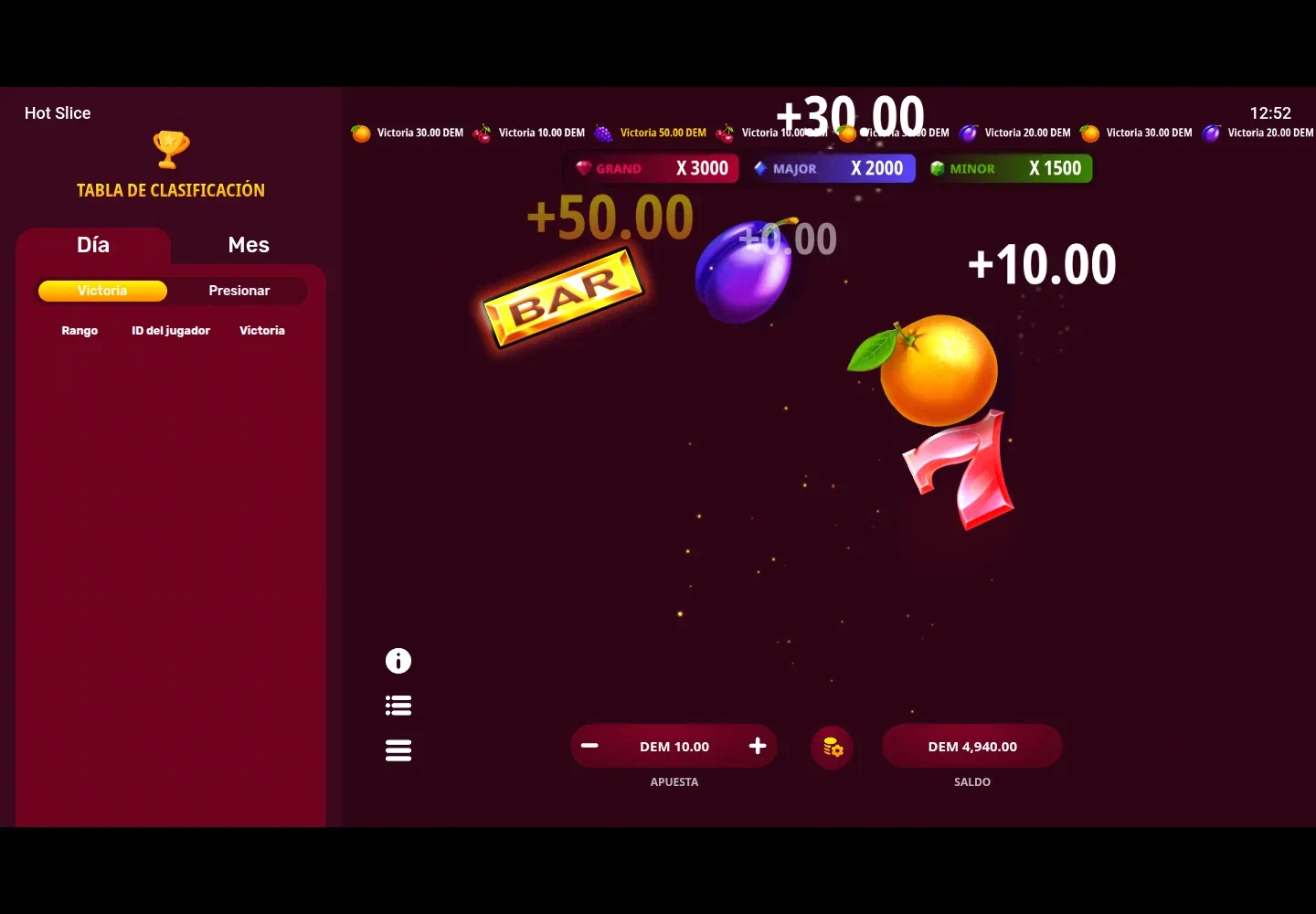
Find the bet before your first gesture
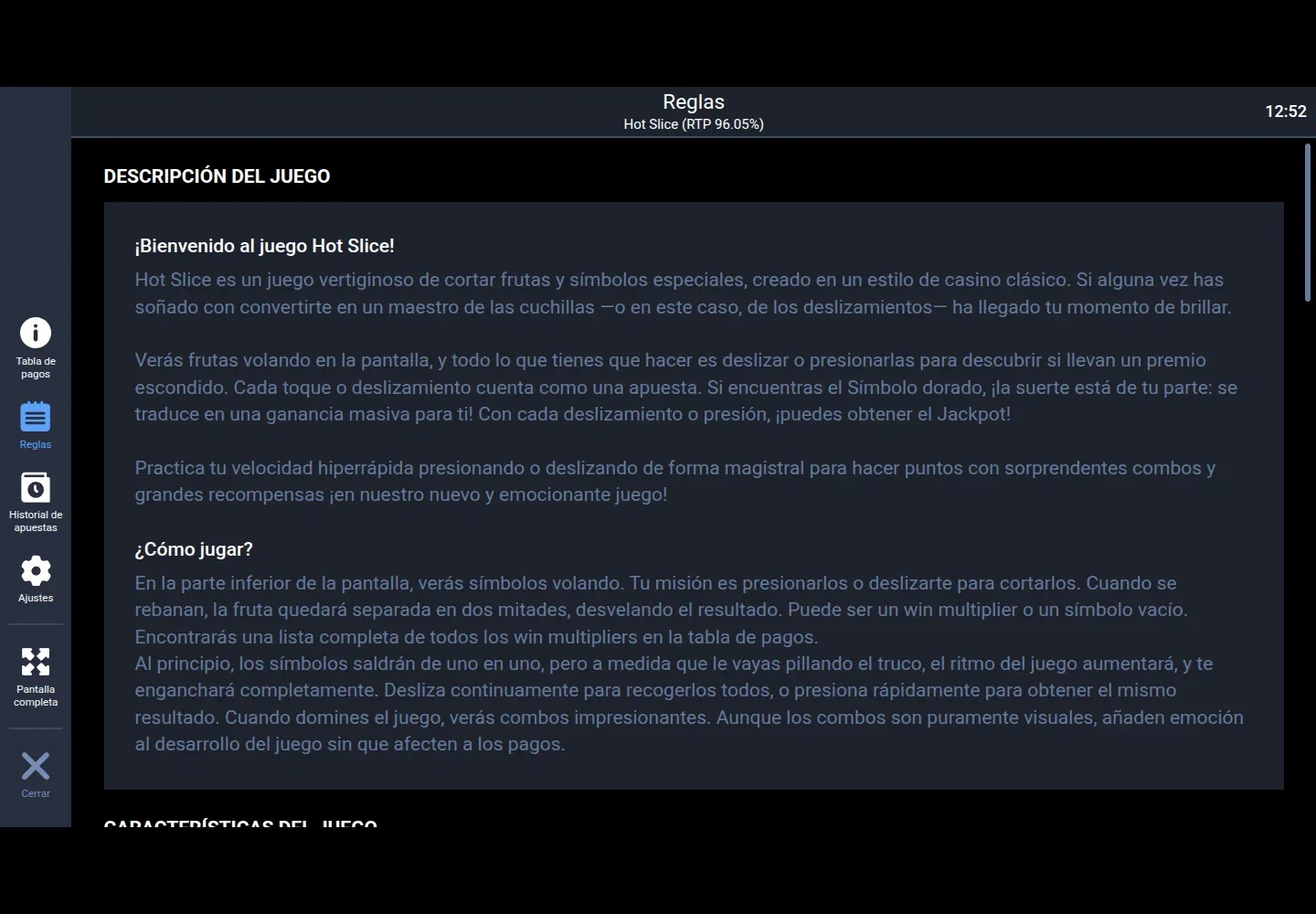
The client’s bottom strip brings together the bet amount and balance. Start by reading the selected amount and locating the controls for adjusting it. That figure applies to each tap or swipe you make in the game. For practice, the DEM client lets you get familiar with the relationship between gesture and amount.
Use the first interaction to get to know the screen. Choose a visible symbol, tap it and watch what appears when it opens. Then look back at the bottom strip. This measured sequence helps you understand the cost of one action before making several in succession.
Tapping and swiping are the two ways to slice
Fruit and symbols move through the play area. A tap acts on the object you select; a swipe covers the area you move your finger or pointer across. Both are Hot Slice controls, and each interaction counts as a bet.
The object opens and shows its result. That result can include a multiplier. Animations help you follow the action, while the paytable explains what each symbol represents. Start by practising the gesture that feels most comfortable so you can clearly distinguish selection, opening and result.
The game’s visual pace increases as play continues. Respond at your chosen pace and pause whenever you want to read the information. Combos are visual effects; payouts follow the results of the interactions.
An example of reading a multiplier
Suppose you bet one unit and the result shows x3. The prize for that result is three times the bet: three units. This is an example using an abstract unit; the amount your client uses is the one shown in its bet control.
The table contains different multipliers for regular and golden symbols. In the regular group, an orange pays x3; the golden group has its own column. A complete reading therefore combines three things: which symbol opened, which group it belongs to and which bet was selected. Explore the features table to follow that comparison.
Recognising a special interaction
The golden symbol takes a variable number of taps or swipes to open and reveal its prize. The introductory screen presents this mechanic, and the paytable identifies golden symbols. This Hot Slice feature has its own interaction to distinguish from a regular action on a fruit.
The Minor, Major and Grand jackpots have their own section. Their amounts are expressed as bet multipliers. When reading the information, keep the jackpot name, the symbol that appears and the return percentage separate: each describes a different aspect of the game.
Review the result and choose your next action
Quick history brings recent prizes together on the main screen. Look at it after an interaction to revisit a result. The Top 15 leaderboard uses day and month views; it is another interface reference to read for the selected period. History and leaderboards explores these differences.
Before continuing, check the bet again. If you adjust the amount, the new value applies to the next actions. Your pace, pauses and chosen amount are your session decisions; the prize result follows the game’s random outcome.
To practise the complete sequence, open the demo and work through these steps once: read the bet, choose an object, tap or swipe, read the result and view the history. Then explore the mathematical explanation in RTP and multipliers or return to the Hot Slice home page.