
Open the demo from its panel
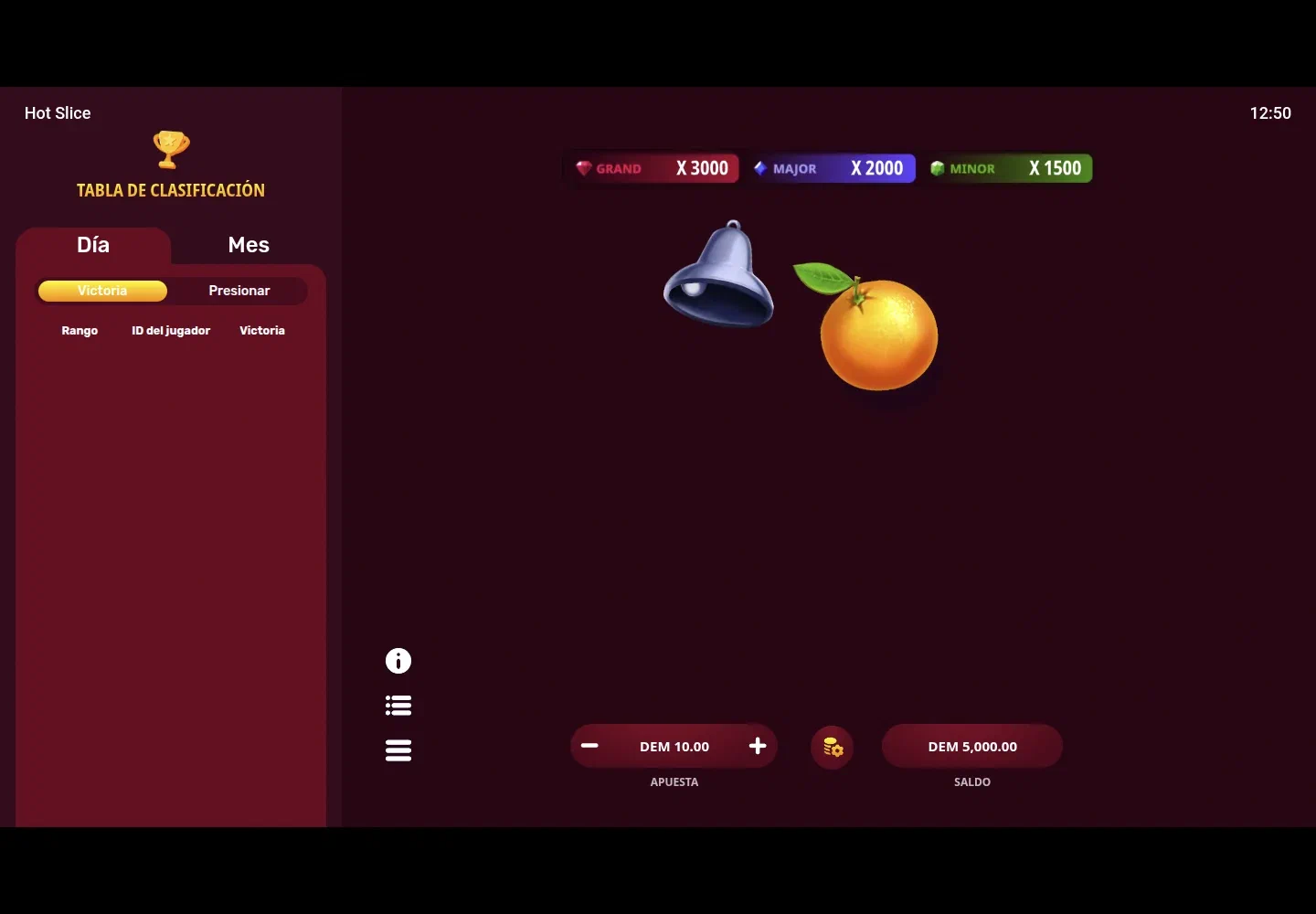
Go to the demo page and activate the game loading button. The panel image shows the Hot Slice client; starting the load opens the provider’s content. Wait for the controls to appear and read the balance unit shown in the practice session.
If the panel takes time to respond, check your connection and reload the page once. Before tapping the play area again, wait to see the previous action’s result. The information button and bet controls should be visible so you can begin comfortably.
Keep a single client tab open while checking the loading process. This makes it easier to recognise which screen belongs to your current session and follow its balance changes.
Adjust the mobile screen
Hot Slice uses HTML5 and has a mobile layout. Hold your phone the way that suits you and check that you can see both the top of the game and the bet at the bottom. The mobile access guide takes you through those steps.
If the browser has enlarged the page, adjust the zoom until you can read the controls, then tap the panel again. Use gestures inside the play area to interact with an object; scroll through the portal content outside that area.
Find information during play
The paytable brings together regular symbols, golden symbols and jackpots. The rules explain the relationship between each gesture and its bet. Explore those screens before taking several actions in succession, especially after changing the selected amount.
Quick history lets you review recent prizes. Top 15 presents a leaderboard by period. To learn the sequence of bet, gesture and result first, follow the controls guide.
Questions about an account or balance transaction
Registration, deposits, withdrawals and account transactions are managed by the operator where you opened the account. Find its help section from that same account and prepare the game name, session time and reference for the transaction you want to discuss.
Keep passwords and access codes within the operator’s forms. This portal brings together game information and access routes; questions about an account transaction belong to the operator’s support environment.